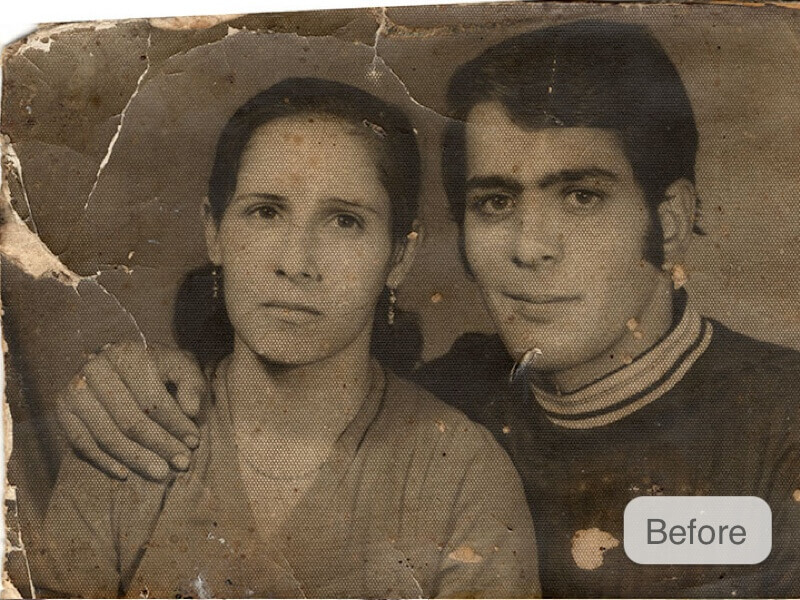
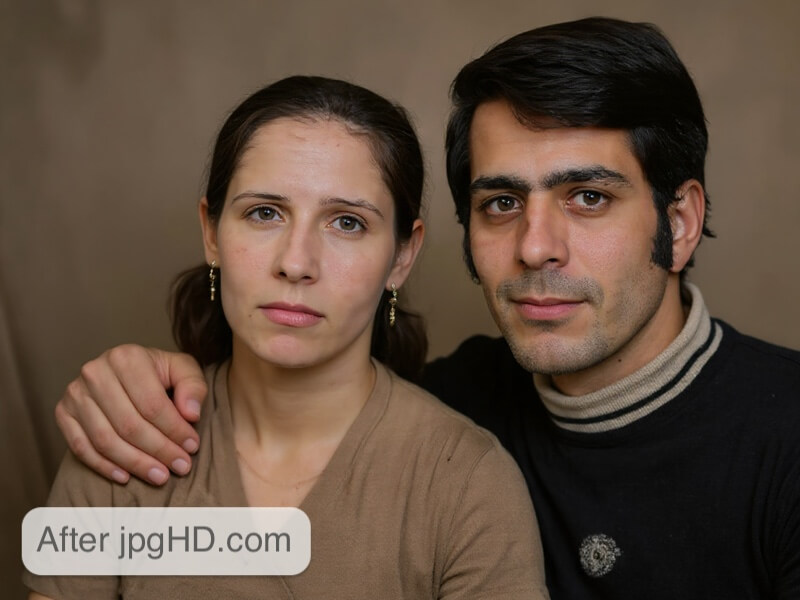
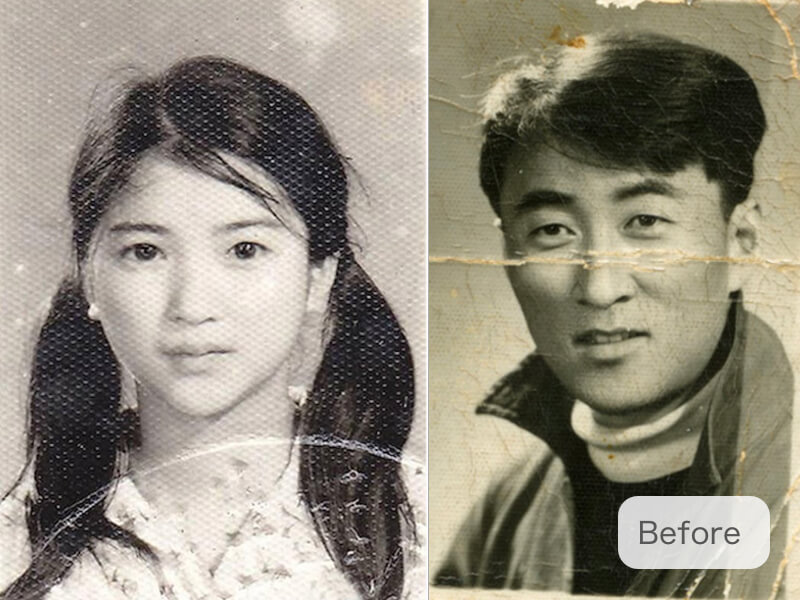
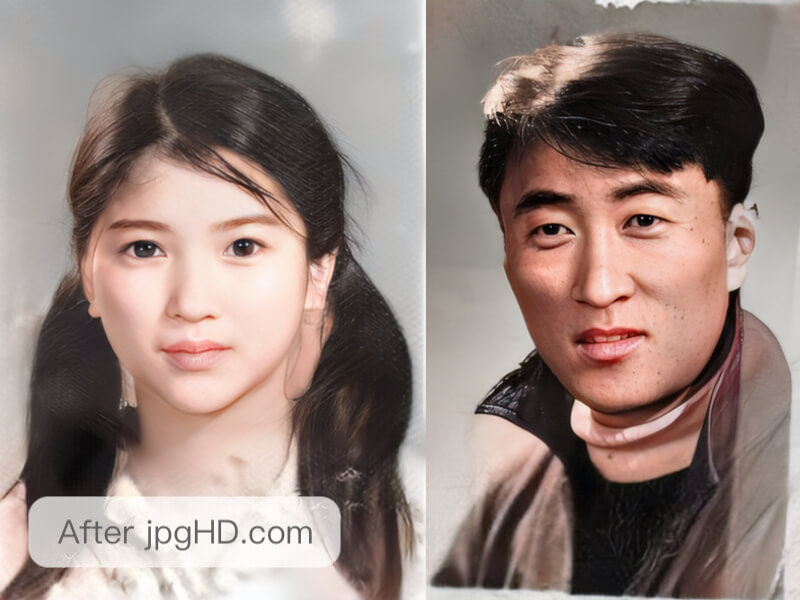
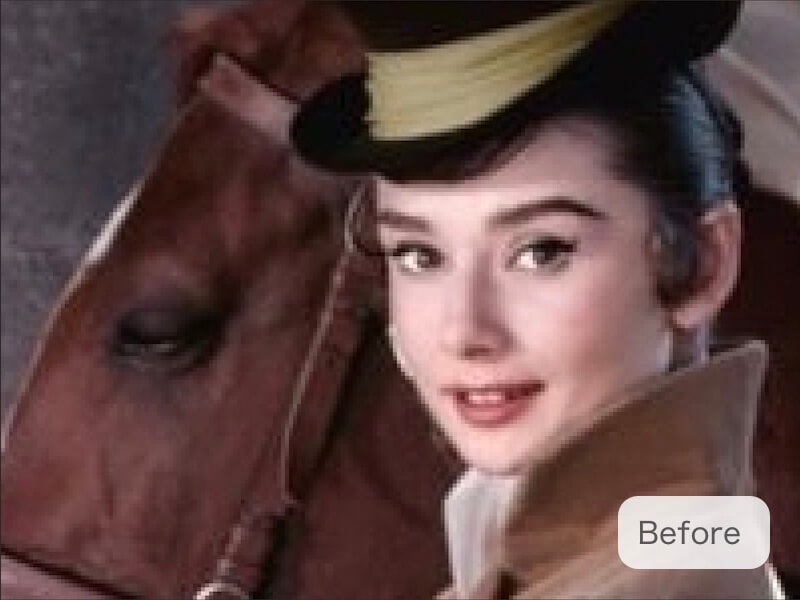
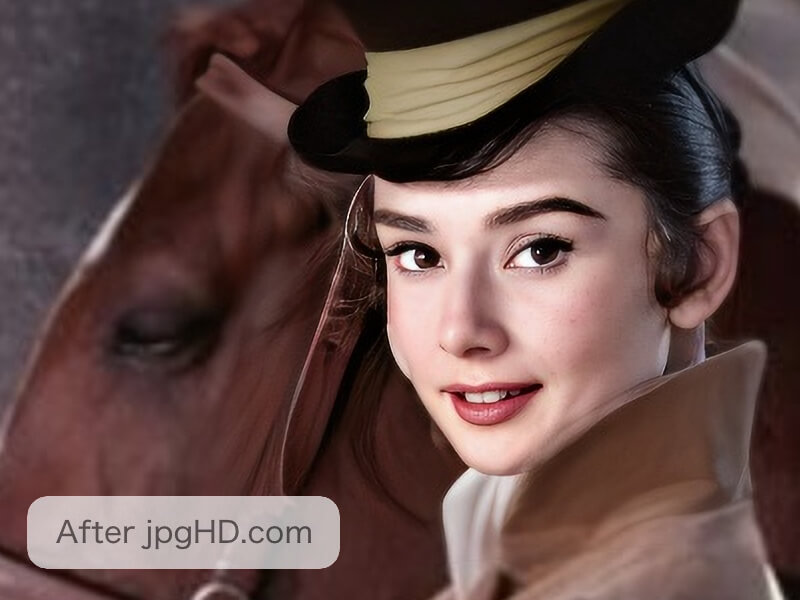
2026년도의 가장 최신 AI 이미지 초고해상도 모델과 딥러닝 기술을 사용하여 소음이 많고 긁힌 이미지를 향상시키고 오래된 사진을 컬러화합니다.
속도는 어떻게 되나요?
한 장의 이미지는 약 3~5분이 소요되며 작은 이미지는 큰 이미지보다 빠릅니다. 얼굴이 적은 이미지는 얼굴이 많은 이미지보다 빠릅니다. AI Enhance가 Old Photo Restoration보다 빠릅니다. Magic Photo 만들기는 둘보다 더 많은 시간이 소요됩니다.
최상의 결과를 얻으려면 어떻게 해야 하나요?
먼저, 사진의 방향이 올바른지 확인하세요. 사진이 회전이 필요한 경우 업로드하기 전에 수정하세요. 둘째, 관련 없는 배경 항목(데스크톱 또는 액자 등)을 제거하기 위해 사진을 잘라내세요. 마지막으로, 사진이 너무 심하게 손상된 경우 AI가 완벽하게 복원할 수 있는 방법이 없다는 것을 유의하세요.
Magic Photo란 무엇인가요?
마치 해리 포터의 신문처럼 인물이 생생하게 움직일 수 있는 프로세스입니다! 사진은 최대 10개의 얼굴을 지원합니다. 하지만 얼굴이 256x256보다 작으면 감지되지 않을 수 있습니다. 이 경우 4배 확대 확인란을 선택할 수 있습니다. 더 많은 얼굴은 처리 시간이 더 걸리므로 주의하세요.
어떤 이미지가 가장 적합한가요?
jpgHD는 모든 이미지를 지원합니다. 경관, 인물, 그래픽 디자인, 일러스트레이션, 만화, 오래된 긁힌 사진 등 모두 지원됩니다!
jpgHD가 업로드한 이미지와 결과물을 어떻게 처리하나요?
jpgHD는 저장 비용을 절약하고 데이터 유출을 방지하기 위해 3일 이상된 데이터를 자동으로 삭제합니다. 수동으로 언제든지 삭제할 수 있습니다.
왜 요금을 내야 하나요?
이 도구의 높은 GPU 서버 비용을 유지하려면 유료 서비스를 제공합니다. 이 서비스를 이용하면 작업이 우선순위가 설정되며 업로드 용량에 제한이 없으며 고해상도, 긁힌 부분 복원 등을 사용할 수 있습니다!
curl -X POST https://jpghd.com/api/img_upload \
-H 'X-API-KEY: YOUR_API_KEY' \
-d 'filename=small.jpg' \
-d 'filetype=image/jpeg'
# Use url from the response to upload the file to R2.
curl -X PUT --upload-file small.jpg \
-H 'Content-Type: image/jpeg' \
'UPLOAD_URL'import requests
filename = 'small.jpg'
filetype = 'image/jpeg'
r = requests.post(
url='https://jpghd.com/api/img_upload',
headers={'X-API-KEY': 'YOUR_API_KEY'},
data={'filename': filename, 'filetype': filetype}
)
upload = r.json()
with open(filename, 'rb') as image:
requests.put(
url=upload['url'],
data=image,
headers={'Content-Type': filetype}
)
print(upload['fileurl'])
- 임시 R2 업로드 URL과 공개 이미지 URL을 받으려면 API 키와 함께 이 엔드포인트를 호출하세요
- 같은 Content-Type으로 PUT을 사용해 파일을 업로드한 다음 fileurl을 확대 API의 input으로 사용하세요
curl -d '{"style": "photo_mid", "scratch": "", "color": "", "input": "YOUR_IMAGE_URL"}' \
-H 'X-API-KEY: YOUR_API_KEY' \
https://jpghd.com/api/task/
import requests
import json
data = {
'style': 'photo_mid',
'scratch': '',
'color': '',
'input': 'YOUR_IMAGE_URL'
}
r = requests.post(
url='https://jpghd.com/api/task/',
headers={'X-API-KEY': 'YOUR_API_KEY'},
data=json.dumps(data)
)
print(r.json())
- data is JSON format
- style can by photo(Photo AI Enhance + Lossless Enlarge 4X), photo_mid(Photo AI Enhance + Lossless Enlarge 2X), photo_slim(Photo AI Enhance), art(Artwork Image AI Enhance + Lossless Enlarge 4X), art_mid(Artwork Image AI Enhance + Lossless Enlarge 2X), art_slim(Artwork Image AI Enhance)
- scratch is Optional,set empty string will not repair scratch
- color is Optional, set empty string will not colorize the photo
- livephoto is Optional, set empty string will not make magic photo
- return status can be ok(means successed), conf_param_error(means conf parameter errors), exceed_limit(means api credits not enough)
curl https://jpghd.com/api/task/tid,tid,tidimport requests
r = requests.get(url='https://jpghd.com/api/task/tid,tid,tid')
print(r.json())
- yellow part is the task id returned by the Task Create API,split by comma
curl -X POST https://jpghd.com/api/task/tid,tid,tidimport requests
r = requests.post(url='https://jpghd.com/api/task/tid,tid,tid')
print(r.json())
- yellow part is the task id returned by the Task Create API,split by comma